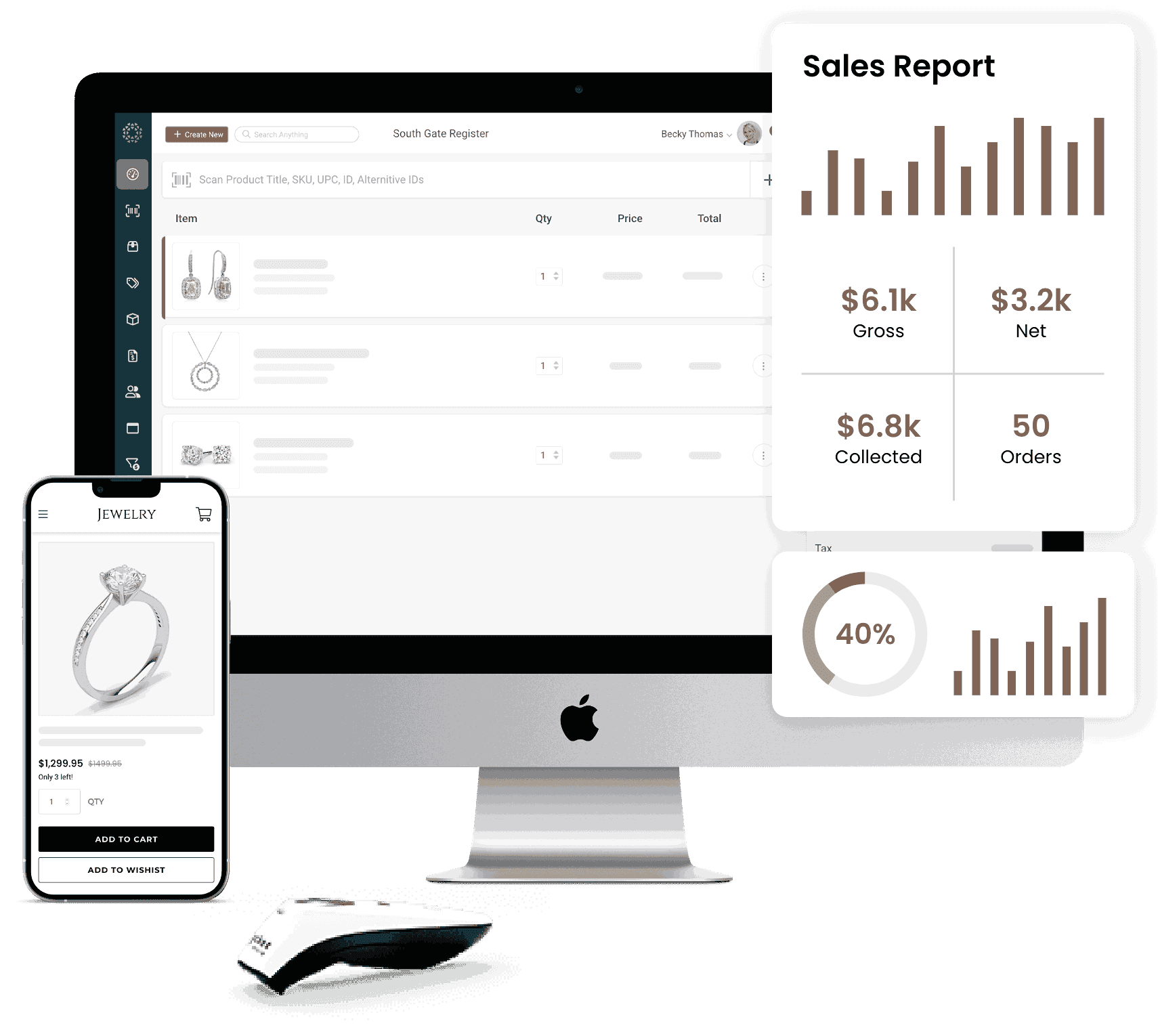
Keep every piece of inventory organized, up-to-date, and synced with Jewel360’s jewelry store inventory software.
Get a complete view of what you have, where it is, and what has happened to it.

View the complete history of individual pieces by serial number.
See inventory from multiple jewelry store locations in one system.

Keep consignment and memo items separate from your owned stock.
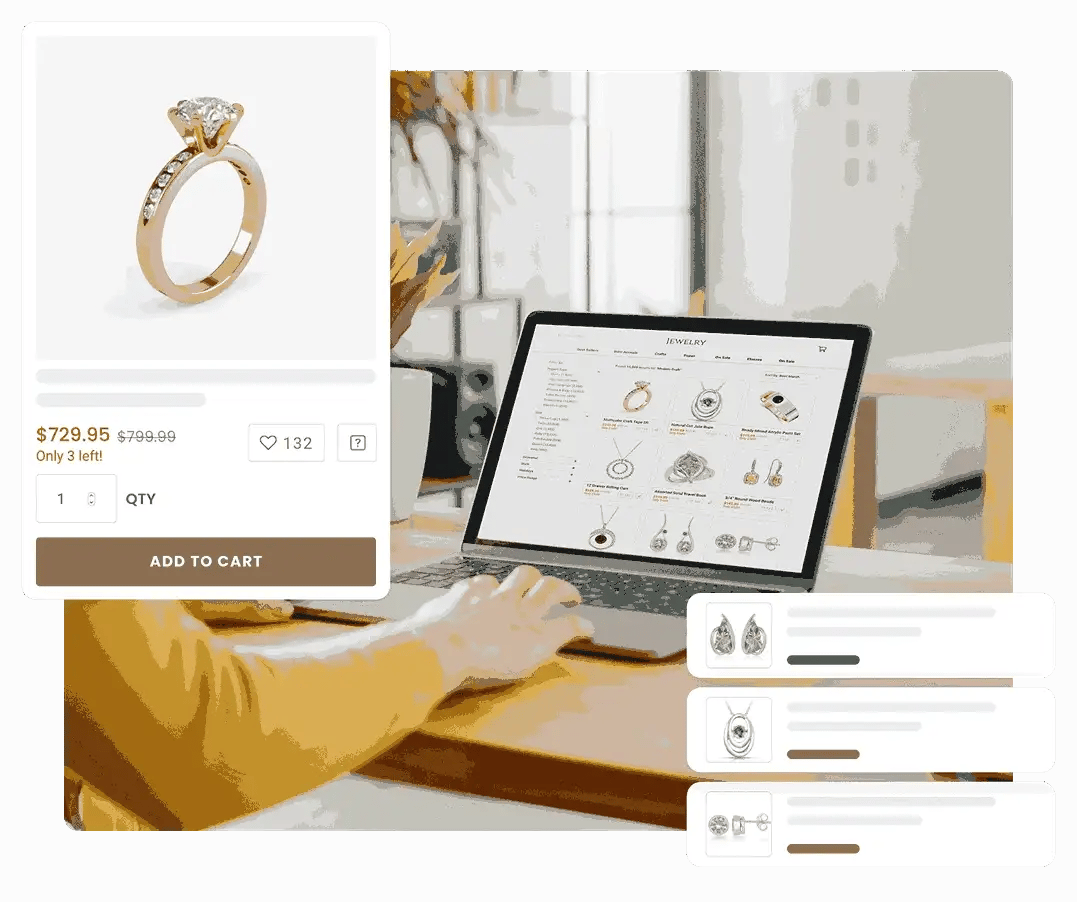
Build and maintain your product catalog without entering every item from scratch.
Use the built-in product catalog to search thousands of products from major jewelry manufacturers.
Search by UPC or manufacturer number to find products quickly.
Pull in titles, images, and descriptions automatically when adding catalog products.
Keep inventory coming in while staying organized around what customers have already requested.
Build and manage vendor orders directly in Jewel360.
Set reorder points and desired stock levels to identify products that need to be reordered.
Keep customer-requested items separate from standard inventory and connect them to purchase orders until they’re received and ready for pickup.
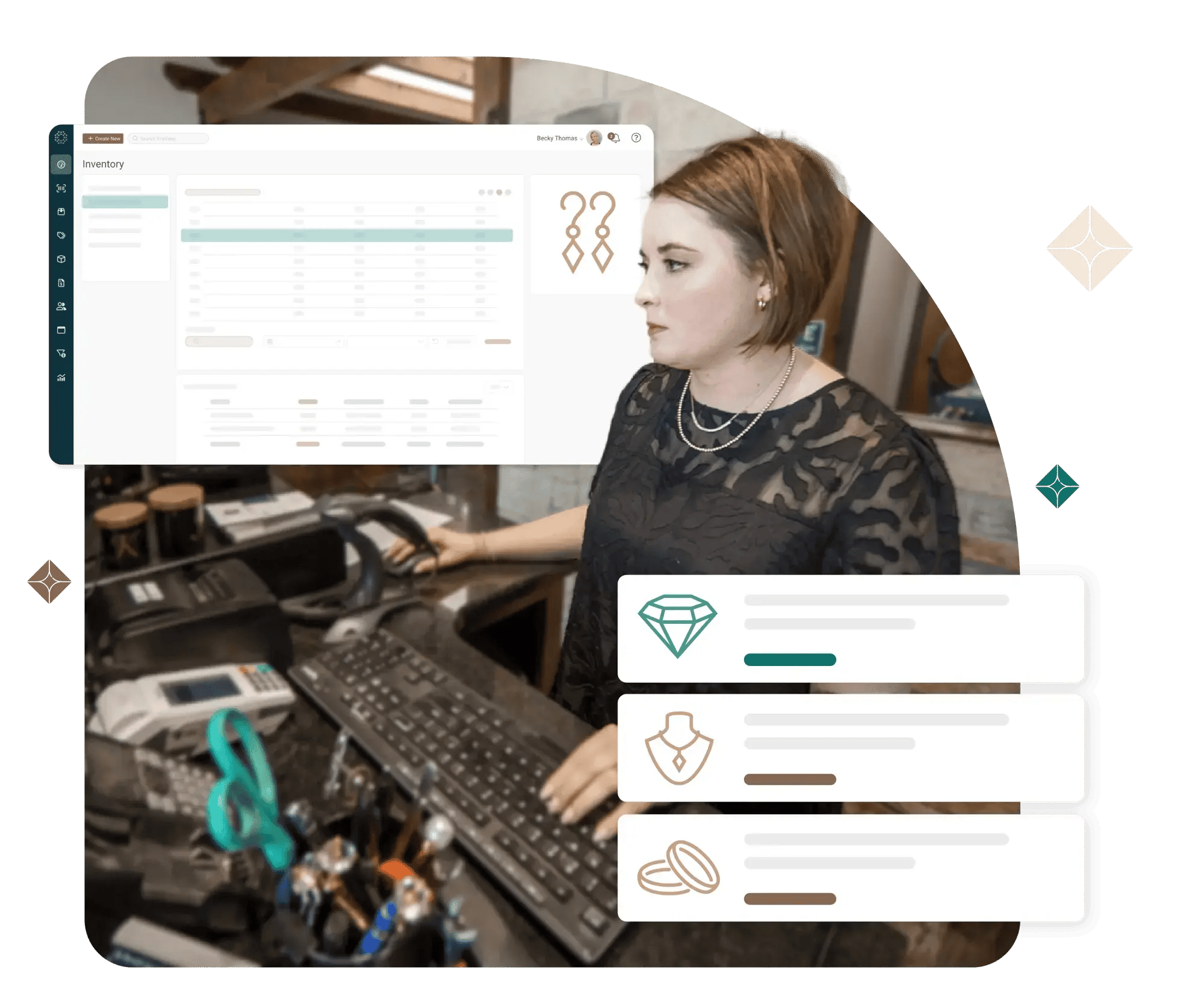
Keep inventory information associated with the customer and transaction data around it.
Email customers copies of invoices and let them pay online.
View account balances and payment history alongside customer information.
Deduct parts used in repairs directly from inventory and keep repair activity linked to the customer’s record.
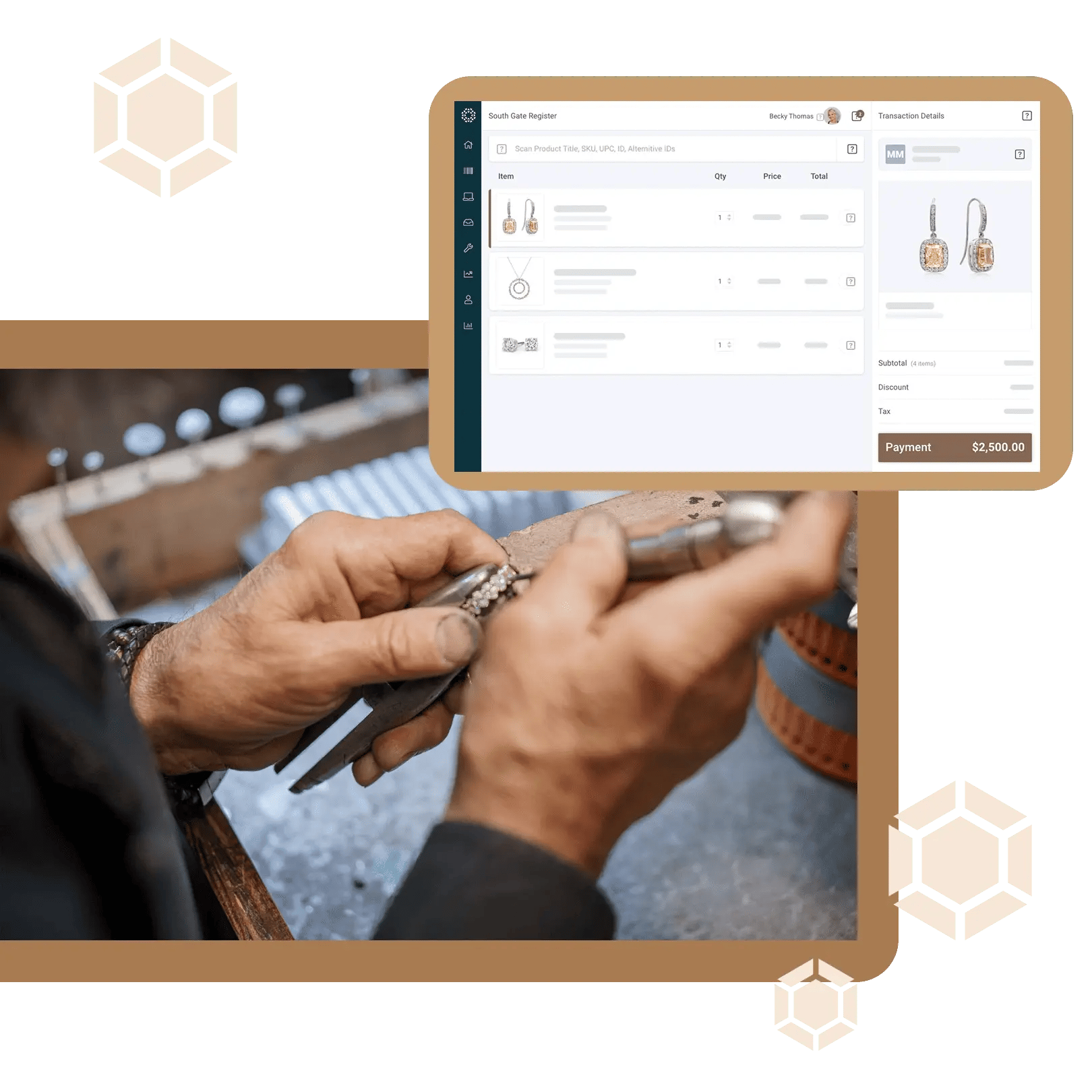
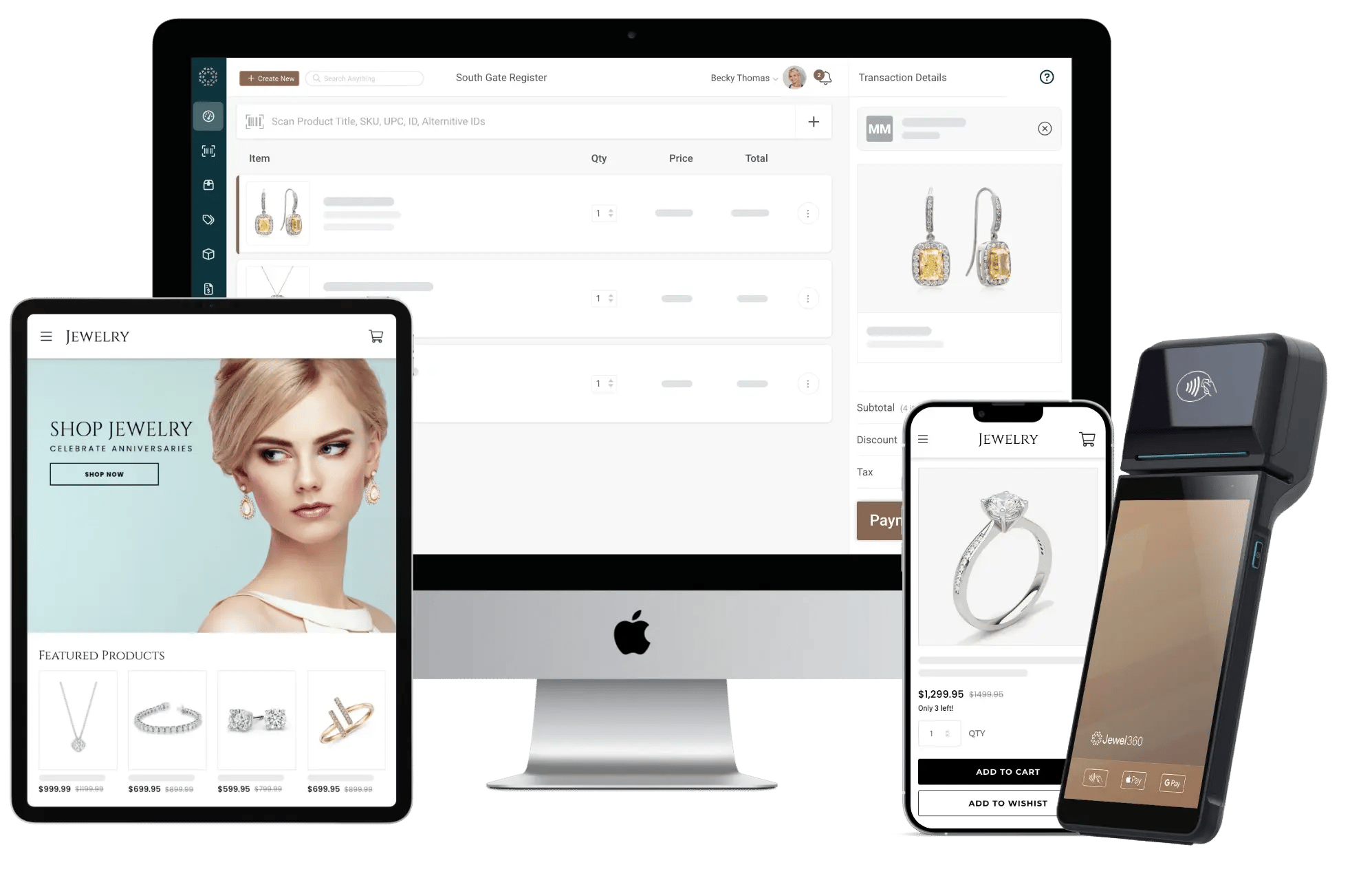
Connect your inventory across your store and online sales channels.
View inventory from any device through cloud-based access.
Update inventory automatically when a product sells in store or online.
.png?width=1492&height=1345&name=Cloud-Based%20(1).png)
Make purchasing and merchandising decisions easier with detailed inventory reports.
Inventory age: Identify products that have been sitting in stock and may need attention.
Inventory history: Review inventory adjustments, transactions, returns, and manual changes.
Inventory value: See current inventory cost, retail value, and quantities on hand.
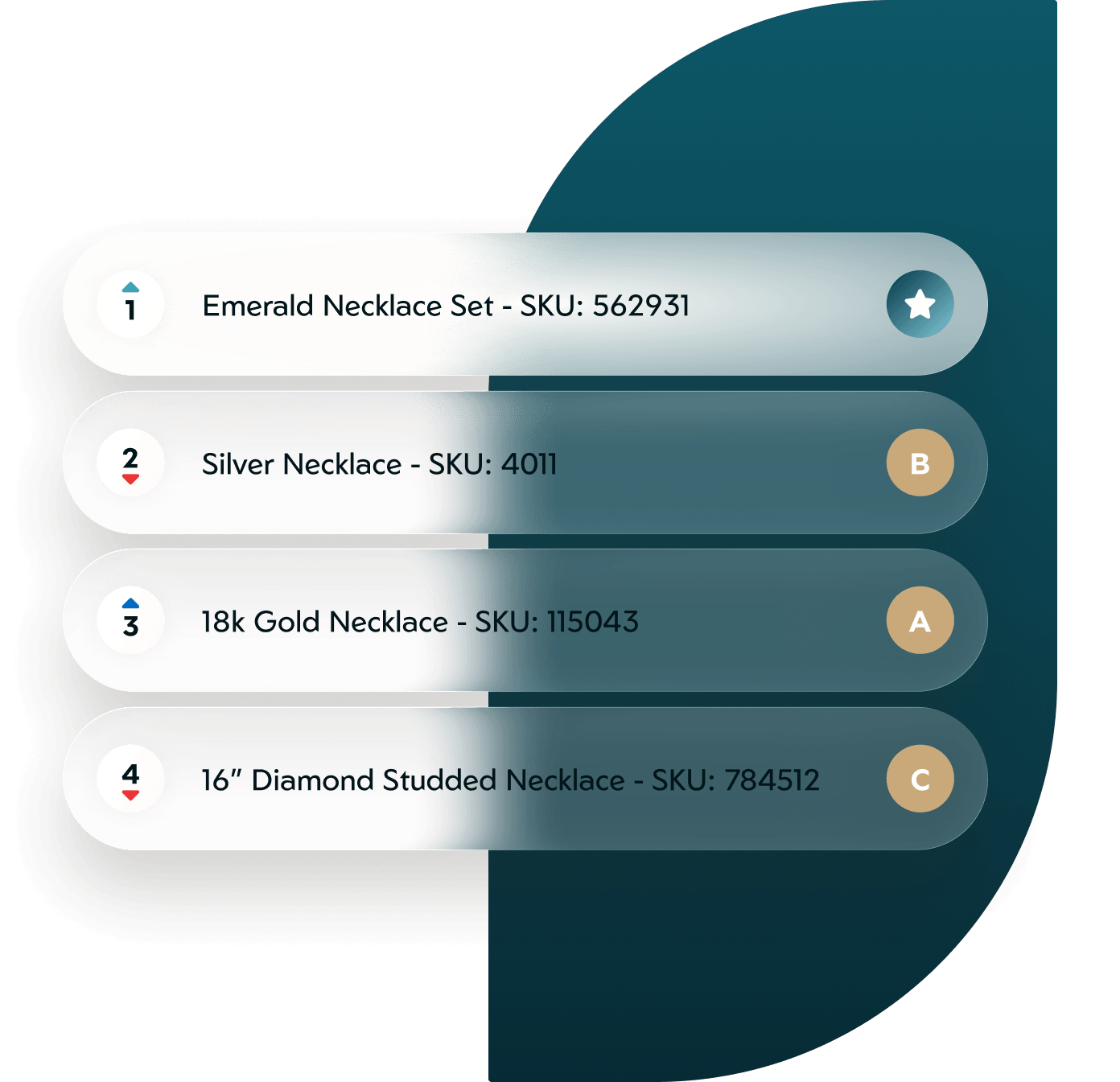
Inventory velocity: See which products are selling quickly, at an average pace, or slowly.
Low inventory: Identify products that have reached their reorder points.
Ordered inventory: See products currently on order and their status.
Serialized inventory: View individual serialized items currently in stock.