Build your POS
Schedule a demo

Jewelry store reporting and analytics

Jewel360 captures every sale, repair, and shift in real time, then turns it into reporting that tells you exactly where to focus next.  
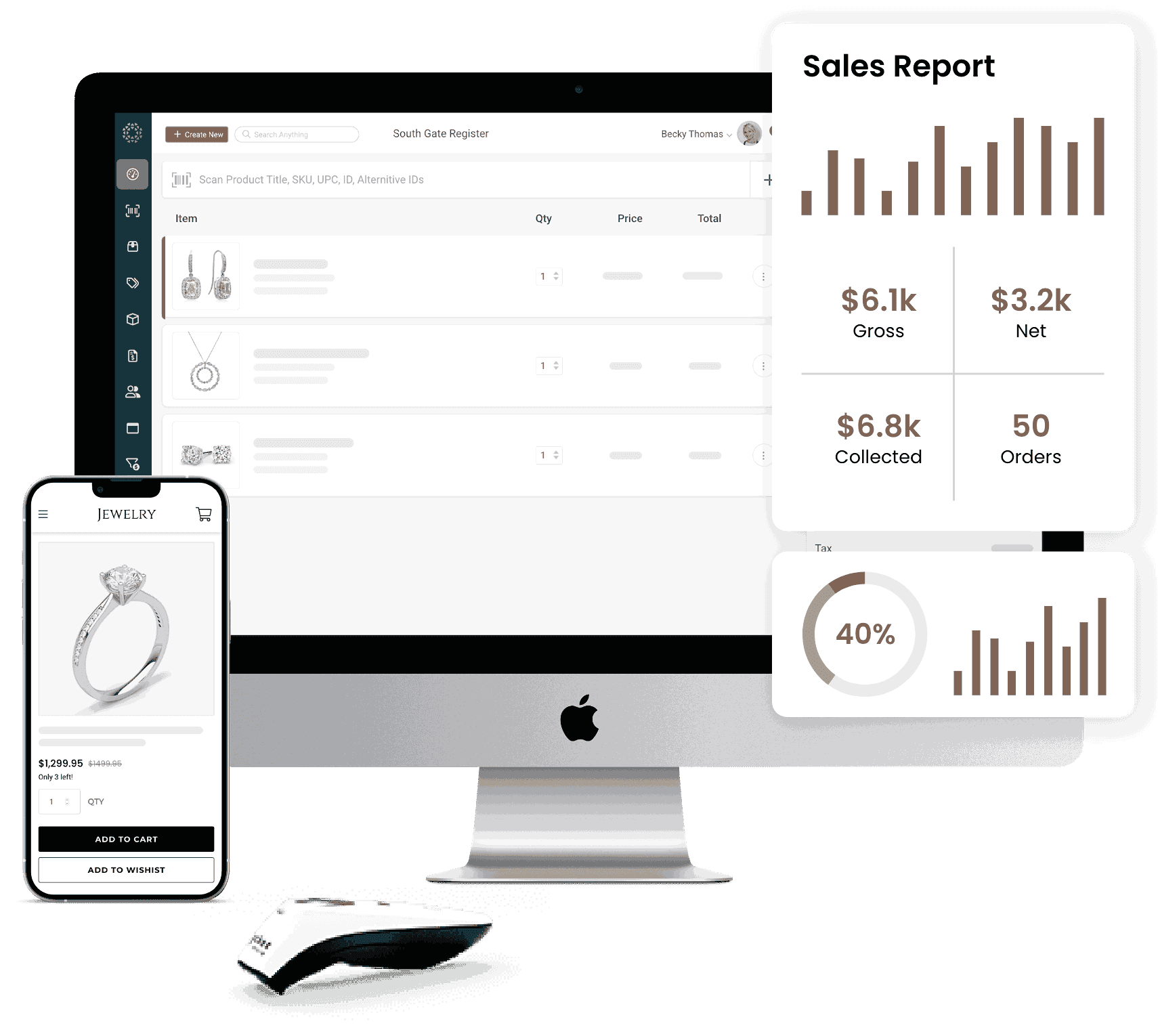
J360-SalesReport-transparent

Every jewelry store report you need,
right when you need it

barcode-scan

Inventory intelligence

See which pieces are earning their shelf space and which ones need to move. Track age, value, and velocity across every location. 

coin

Sales performance

Compare this month to last month, this year to last year, and one rep to another. Know exactly where your revenue is coming from. 

multiple-users-silhouette

Team accountability

Track hours, commissions, and shift accuracy without chasing down time sheets or register counts by hand.

Know which jewelry to
reorder and mark down



See exactly how long each piece has sat on the shelf, so you can move aging stock before it ties up more capital. 



Track how fast items sell after they arrive, and set your own definition of a “slow mover” by department. 



Get a real-time snapshot of what your total inventory is worth, broken out by location, department, and vendor. 
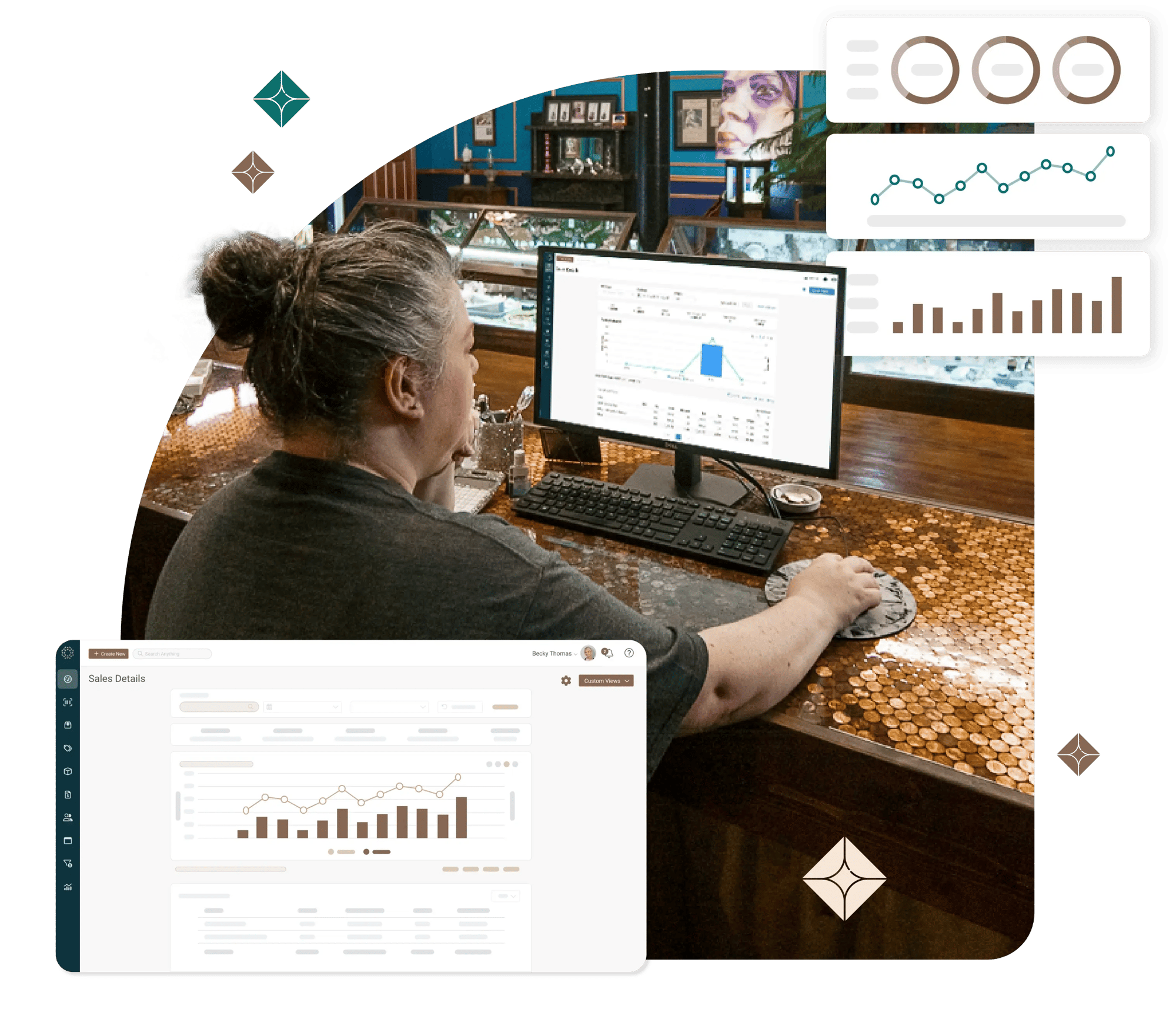
J360 Reporting mod - web asset – rounded

See business performance
from every angle

Jewel360 Checkmark

Compare any two time periods side by side — this quarter versus last, or the holiday season versus last year — down to the item, department, or sales rep. 

Jewel360 Checkmark

Break down revenue by product, category, or location to see what’s driving your numbers. 

Jewel360 Checkmark

Check your margins by department, so you know where you’re making money, not just where you’re making sales. 
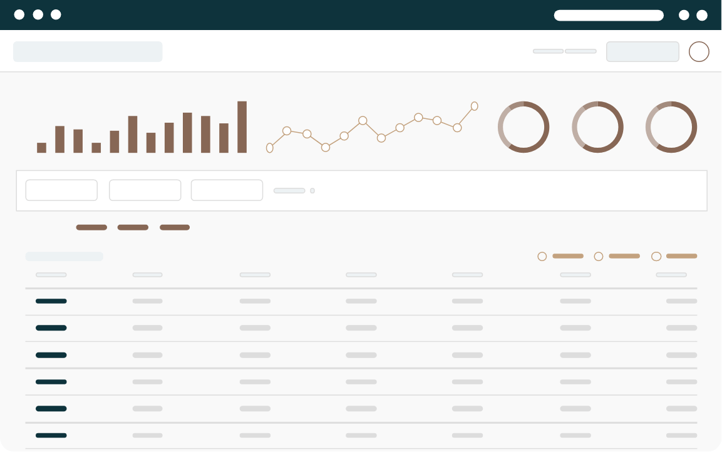
Engage customers with marketing tools built into your jewelry POS.

Run a tighter jewelry store without manual tracking

Jewel360 Checkmark

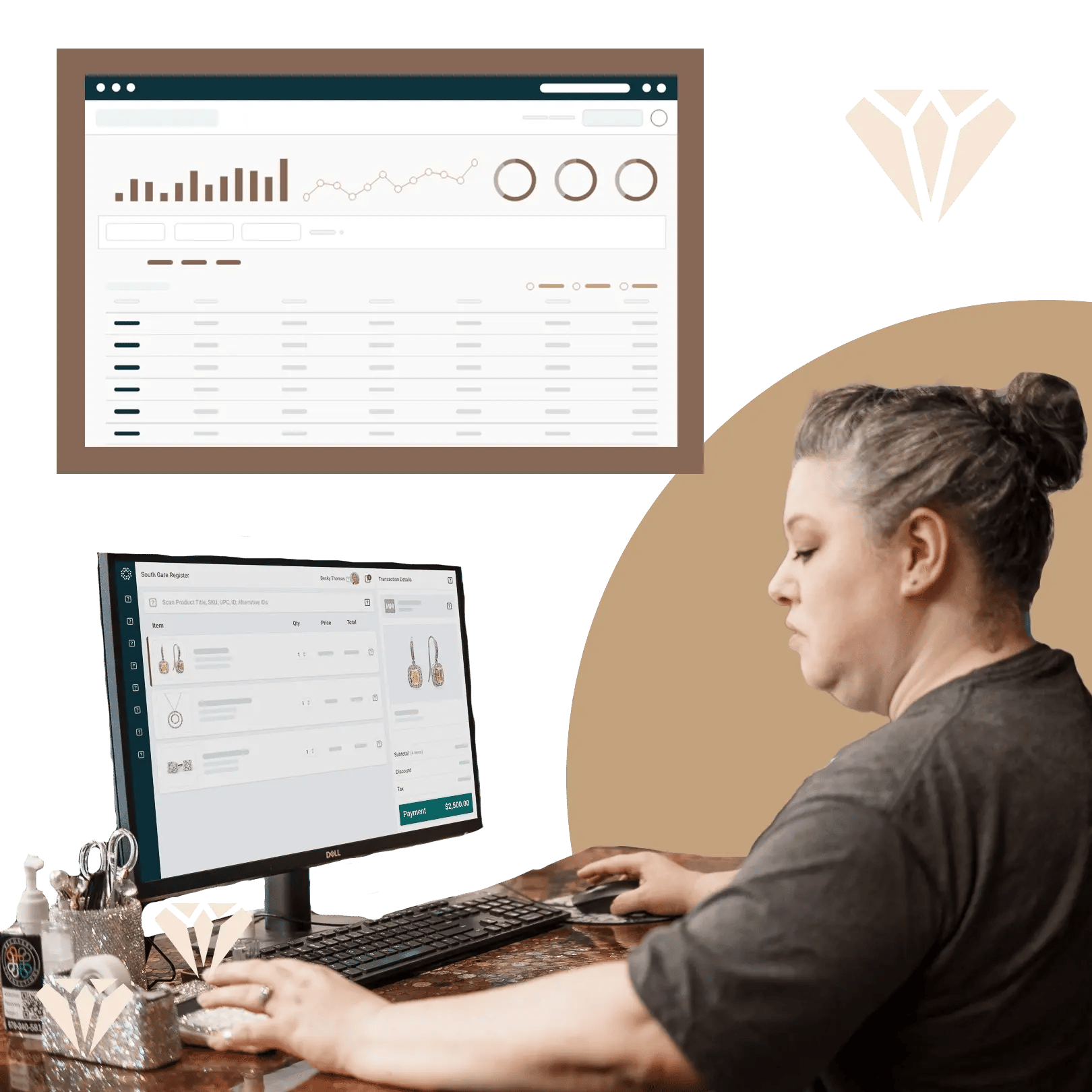
See clock-in and clock-out activity for every employee, at every location, without relying on paper time sheets. 

Jewel360 Checkmark
Review commission earned per sale, by rep, so payroll and incentive tracking take just minutes.
Jewel360 Checkmark

Reconcile every shift’s starting cash, expected cash, and actual count to catch discrepancies the same day. 
J360-pos reporting web asset-1

Hundreds of jewelers
nationwide rely on Jewel360

Hear the stories of real small business owners who chose to modernize their jewelry stores.

"Jewel360 transformed our business...
it's our store's new foundation."

Brooke Oates

Graduate Gemologist | Manager of First People's Jewelers

"Honestly, Jewel360 as a whole is a wonderful package. They offer everything."

Tracy and Rick

Owners | Tracy's Fine Jewelry & Gifts

"With Jewel360, even when we’re not in the office, we can access the store through the cloud."

Garret Wilkes

Bench Jeweler | Reigning Jewels Fine Jewelry

"The Jewel360 staff were the people that saved us."

Elizabeth Schroeder

Owner | Pretty in Patina

"Jewel360 ties everything together. As a jewelry point of sale system, it just makes sense."

Sarah Bond Turner

CAD Designer at K Bond Jewelers

"It's easy to use, easy to learn, and the most efficient POS system I've used for jewelry stores."

Meghan Proctor

Owner of Hubbell Proctor Design

FAQs: Jewelry store
reporting & analytics

Can Jewel360 compare sales performance year over year?

Yes, Jewel360’s Sales Comparison report compares any two time periods, including the same period from a prior year, broken down by item, department, vendor, location, or sales rep. Historical data is available for up to three years. 

Does Jewel360 track which jewelry inventory is sitting too long?

Yes, Jewel360’s Inventory Age report shows how long each item has been in stock, while its Inventory Velocity report classifies items as high, average, or low velocity based on selling-speed thresholds the jewelry store sets by department.

Does Jewel360 track employee hours and commissions?

Yes, Jewel360’s Time Clock report logs clock-in and clock-out activity by employee and location, and its Commissions report calculates commission earned per sale by sales rep.

Can Jewel360 reports be exported?

Yes, Jewel360 reports can be printed or exported as a CSV file, and larger exports can be compiled and emailed automatically once ready.

See Jewel360’s jewelry POS reporting in real time

Schedule a demo to see how Jewel360’s jewelry store reporting can sharpen your next decision. 
Jewel Graphic CTA | Calendar