



The challenge: Finding a jewelry POS system that was easy to use
Tracy initially chose CaratIQ because of its promise of a more modern, AI-driven approach. One feature in particular sounded appealing: scanning invoices and using AI to upload inventory information.
But the reality didn't match the demo.
Instead of eliminating manual work, the system often required Tracy to go back through the information and verify individual fields.
“We still had to literally go in and edit every single piece of every line.”
The AI could misread or misunderstand information, meaning inventory entries had to be checked and corrected. For a new jewelry store with a large amount of merchandise to enter, that became a major obstacle.
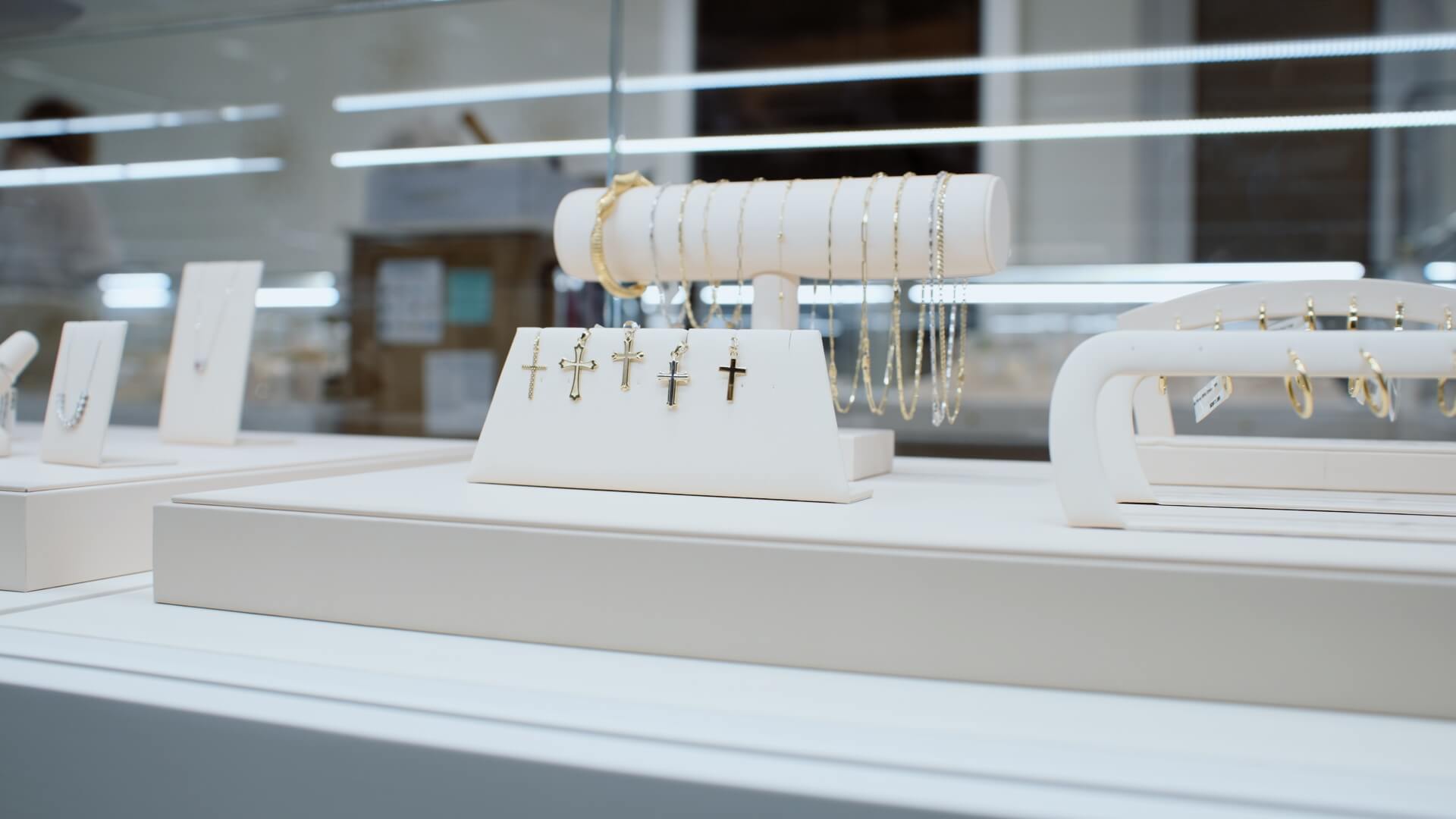
Jewelry store inventory management was taking too much time
Tracy and Rick were already dealing with a substantial inventory setup. They needed to get merchandise into the system quickly and accurately, but instead found themselves repeatedly checking and correcting entries.
“It was just literally having to go back and verify and make sure that every little blank was filled in correctly.”
They were concerned these issues wouldn't stop once the jewelry store opened. If employees encountered a question while helping a customer, waiting for an answer could create an entirely different problem.
Limited POS support created more roadblocks
But the biggest issue wasn't that the software was difficult to learn — it was that getting help wasn't easy.
When Tracy and Rick ran into a question, they couldn't search a help center for the answer. They had to contact their representative by email or text, and responses could take 24–48 hours.
That might be manageable during a slower implementation period, but it wasn't ideal when the business was actively trying to get a new jewelry store ready to open.
“When you're in the middle of doing inventory or uploading inventory, you want those answers done immediately.”
And the stakes were about to get higher.
Tracy and Rick worried that the same delays could affect them at checkout once customers were in the jewelry store.
“We were afraid that going forward, it was going to be that way with customers.”
A new store opening made the POS decision urgent
With only two weeks before the store opening, Tracy knew CaratIQ wasn't going to work for them. So, after two frustrating months, she decided to return to Jewel360, a platform she used previously and already knew.

“I made the decision to move to Jewel360, and I haven't looked back.”
Rick agreed.
“When we were both trying to learn CaratIQ, it was a fight every single time we tried to get into it.”
The solution: Jewel360 jewelry POS software
Tracy used Jewel360 before, so she already knew how the platform worked. But the familiarity wasn't the only reason she chose it again.
The workflow itself was easier for both of them to understand.
With Jewel360, Tracy could go directly to the register, find a customer, and see the invoice information in front of her.
“I like the way that Jewel360 is set up.”
She also appreciated how easy it was to research products, look up customer history, and find information when a customer returned for a repair.
Switching to Jewel360 made POS migration easier
Switching POS systems can be intimidating, especially when you've already spent significant time entering inventory.
For Tracy and Rick, the migration turned out to be one of the easiest parts of the process.
They contacted the Jewel360 team, explained the situation, and provided spreadsheets containing information they already entered into their previous system.
The Jewel360 team uploaded much of that information for them, reducing the amount of manual work Tracy and Rick had to repeat.
“They uploaded most of everything for us that we already had into CaratIQ. So that took out a lot of legwork for us.”
The support didn't stop with the data migration.
Tracy and Rick said they were able to contact members of the Jewel360 team directly when they got stuck and received quick responses.
“The communication was fantastic.”
Jewel360 provides jewelry store POS support when they need it
One of the biggest differences Tracy noticed was how easy it was to get help.
With Jewel360, the help resources inside the system became the first place the team went when they had a question. If they couldn't find the answer there, they reached out directly.
“Support has been phenomenal," Tracy says.
That accessibility also mattered for training new employees.
Because Tracy isn't always available to answer every question, employees can use the help resources themselves when they get stuck. That means a question doesn't automatically stop a task.
“If they get stuck, all they have to do is go to the help questions. It's easy for them.”

Jewelry store inventory management with Jewel360
Inventory visibility was another major improvement.
Tracy can see how much inventory the store has, track its retail value, and monitor how long pieces have been sitting on the shelf.
The system also helps the team identify when they're running low so they can restock.
And when a piece sells, the process is simple. This makes it easier to keep inventory moving in the system as the jewelry store grows.
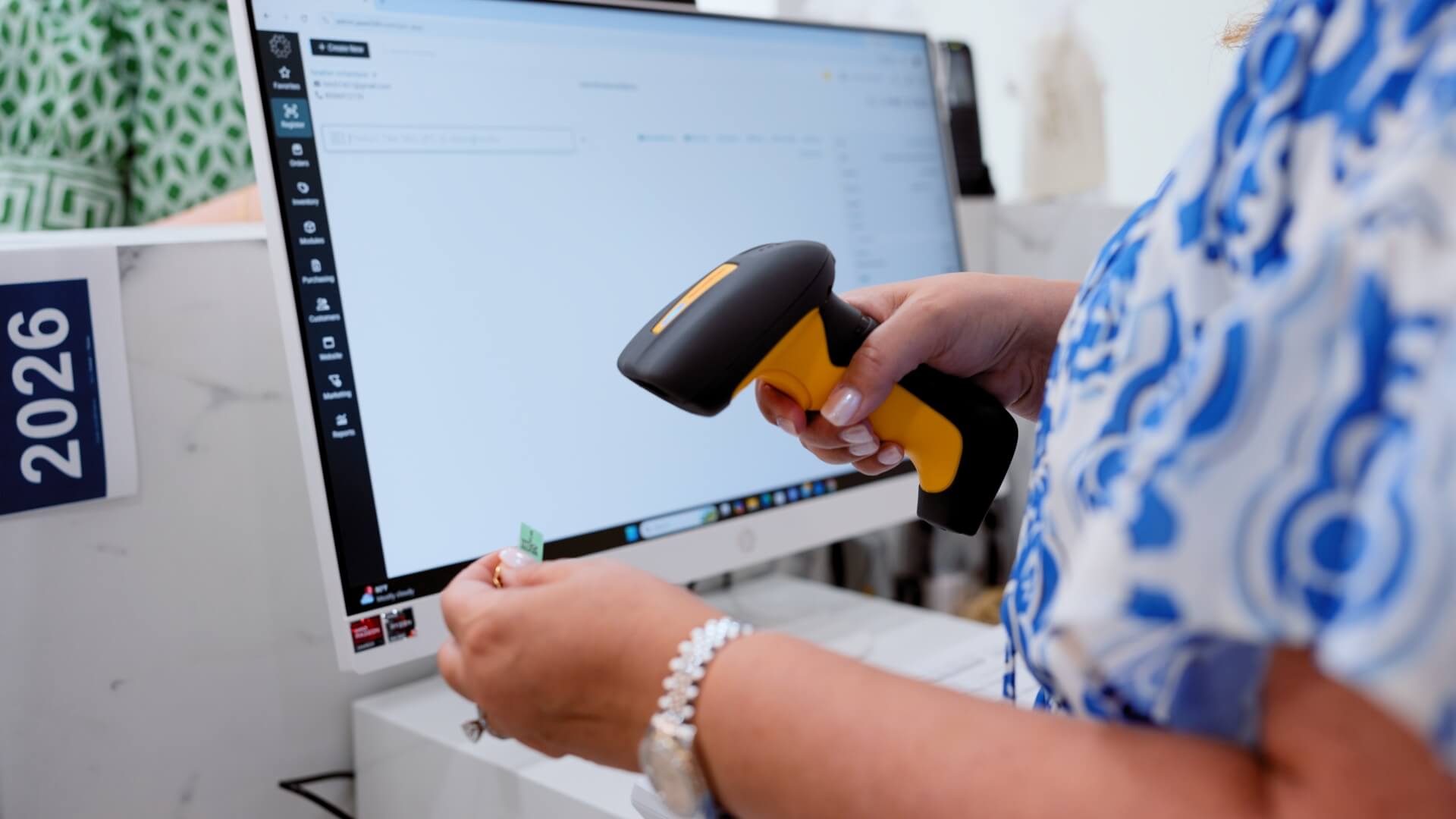
“It's nice to be able to take a piece of jewelry, scan a tag, and it brings it right up into your computer.”
Jewelry repair tracking and work orders
Repairs are an important part of Tracy's business, so having a clear way to track them matters.
With Jewel360's work orders, Tracy can see the repairs they've received and follow their progress.
“We know the process of every repair, so that's really easy to use.”
Instead of relying on a physical logbook and hoping someone remembered to record an update, the information is available in the system.
“Whenever someone takes in a work order, it's right there in the computer, so it's really easy to find.”
For Tracy and Rick, the biggest improvement was the way the entire system changed their day-to-day experience.
Before the switch, they described the process as frustrating and stressful.
After the switch, they felt confident they could find the information they need without significant downtime.
“Jewel360 has made our business so much easier. It flows so much easier,” Tracy says.
Rick saw the same change.
And that ultimately made it easier for them to focus on their customers.
“We're not fighting the system, which is what we were doing before.”
“At the end of the day, we just want to be able to help our customers.”
The jewelry POS system that helped Tracy’s Fine Jewelry and Gifts open with confidence
Tracy's Fine Jewelry and Gifts had a lot to manage before opening its new location. Inventory needed to be entered, employees needed to learn the system, and the business needed to be ready for customers.
Switching POS systems added another challenge — but Jewel360 helped make that transition manageable.
The result was a smoother path to opening and a POS system they could rely on as the store got up and running.
“Moving to Jewel360 was so simple and easy.”